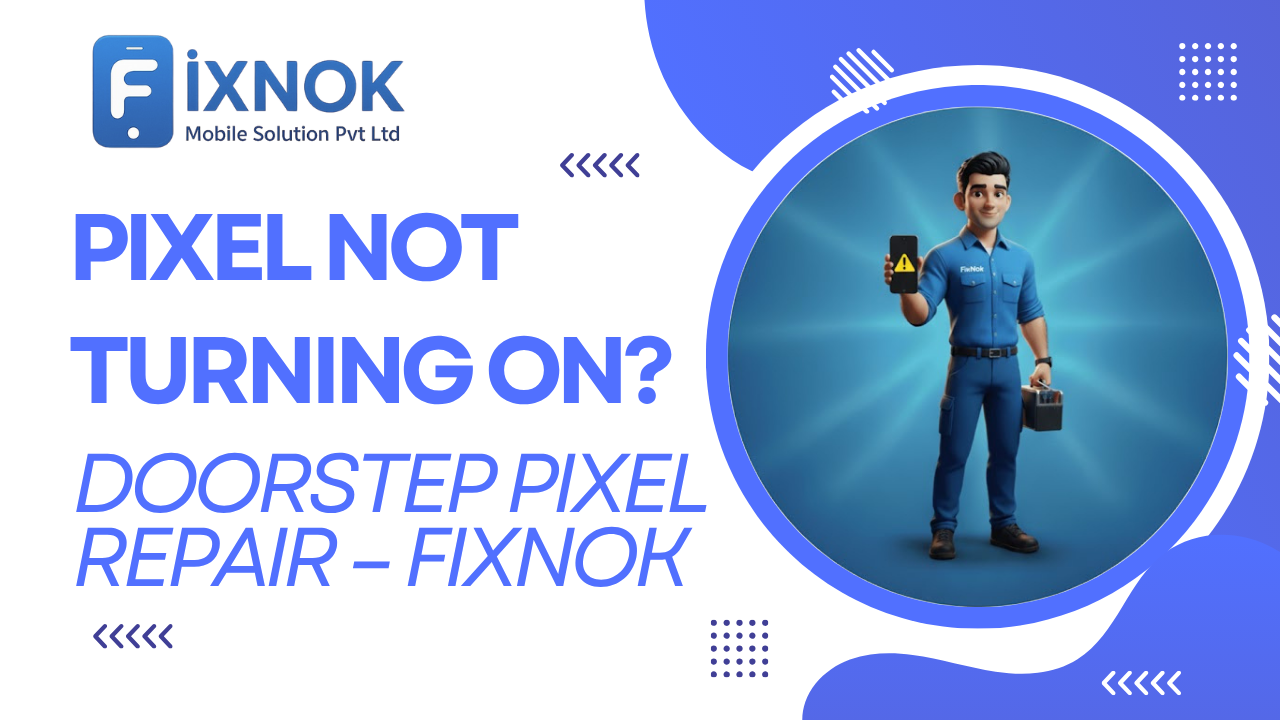
Google Pixel phones are smart, fast, and reliable — but when your Pixel suddenly refuses to turn on, it can feel like everything shuts down with it.
Whether your Pixel shows no charging sign, no vibration, no Google logo, or stays stuck on a black screen, the problem needs an expert diagnosis.
Many users experience sudden shutdown issues with their Google Pixel, especially after a battery drop or system crash.
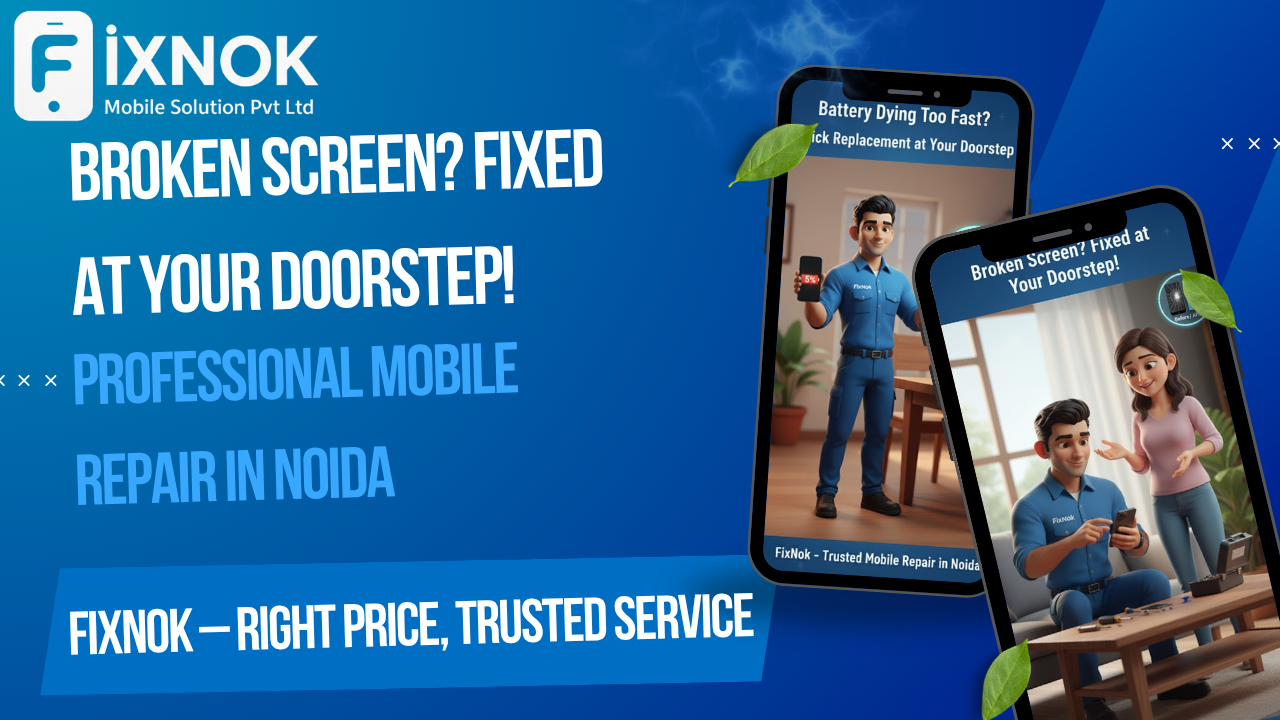
FixNok Mobile Solution Pvt. Ltd. brings doorstep Google Pixel repair in Noida, so you don’t need to visit a shop or leave your phone behind. Our trained mobile technicians come to your home or office and repair your Pixel within minutes, right in front of you.
No stress.
No delays.
No data loss risk.
🔍 Common Reasons Why Your Google Pixel Is Not Turning On
A non-turning Pixel can have multiple causes. Here are the most common:
1️⃣ Completely Drained or Damaged Battery
A dead or weak battery is the #1 reason Pixels stop powering on.
2️⃣ Charging Port Blockage or Damage
Dust, lint, moisture, or physical damage can stop charging completely.
3️⃣ Faulty Charger or USB-C Cable
Pixels require proper fast-charging input — weak cables won’t power them.
4️⃣ Water or Moisture Exposure
Even minor moisture can short-circuit internal components.
5️⃣ Android System Crash
Sometimes the OS freezes completely, leaving the phone black and unresponsive.
6️⃣ Overheating Auto Shutdown
Pixel devices automatically power off to protect the motherboard.
7️⃣ Power IC / Motherboard Issue
A sudden drop, short circuit, or faulty chip can kill the power supply.
8️⃣ Display Failure
The phone may actually be ON, but the display is dead.
Whatever the cause, FixNok identifies the issue in minutes.
🧰 FixNok Doorstep Pixel Repair – Fast, Professional & Reliable
FixNok technicians are trained for Pixel hardware, software, battery, charging, and motherboard diagnostics.
One of the most common reasons a Google Pixel stops responding is a dead or deeply discharged battery.
✔️ What You Get with FixNok:
- Doorstep Google Pixel repair across Noida
- Certified Android technicians
- Genuine Pixel parts
- Instant diagnosis
- Repairs done in front of you
- No data wipe or data risk
- Warranty on all parts and services
- Quick 30–60 minute repair
This makes FixNok the most convenient and trusted mobile repair service in Noida.
⚙️ Pixel Issues We Repair at Doorstep
🔋 Battery Dead / Battery Replacement
If your Pixel battery has died completely, we replace it with a high-quality one.
🔌 Charging Port / USB-C Repair
We fix dust blockage, bent pins, and damaged ports instantly.
🖥️ Display Not Powering On
If your Pixel turns on but shows nothing, we replace the AMOLED display.
⚡ Power IC / Motherboard Work
Advanced repairs for dead phones, no-power issues, and short circuits.
💧 Water Damage Restoration
Deep cleaning and component-level recovery.
🔄 Software Crash / Boot Loop Fix
We fix black screen, stuck logo, and Android OS crash issues.
📍 Service Areas – Noida & NCR
FixNok provides doorstep Google Pixel repair across:
- Noida Sector 15, 18, 37, 50
- Sectors 62, 63, 75, 76, 78
- Greater Noida
- Indirapuram
- Ghaziabad
- Delhi NCR
Search “Pixel repair near me” — and FixNok is ready to assist.
🛠️ DIY Fixes You Can Try Before Booking Repair
Try these quick solutions first:
1️⃣ Force Restart Your Pixel
Press and hold: Power Button + Volume Down (20 sec)
2️⃣ Charge with a Different Cable/Adapter
Original or high-watt fast-charging Type-C recommended.
3️⃣ Clean USB-C Port
Remove lint and dust gently using a soft brush.
4️⃣ Let It Charge for 20 Minutes
Deeply drained batteries can take time to wake up.
5️⃣ Check for Heating
If overheated, let the phone cool before pressing power.
If none of these work — the problem is hardware-related.
FixNok can solve it instantly at your location.
🔧 Understanding Why Google Pixel Phones Stop Turning On (Deep Technical Breakdown)
When a Google Pixel refuses to turn on, most users assume it’s simply a battery or charging issue. But modern smartphones — especially Google Pixel devices — contain complex internal systems. Any imbalance in these systems can stop the device from powering up entirely.
Pixels run on custom chips, advanced Android builds, and tightly integrated security hardware. So when something goes wrong internally, the phone often reacts by shutting down completely as a safety measure.
Below are deep-level reasons why Pixel phones suddenly go black and unresponsive.
Moisture exposure is a hidden cause behind Google Pixel power failures, even if there are no visible water marks.
🔋 1. Battery Protection Triggered (Most Common Hidden Cause)
Google Pixel batteries contain a built-in protection circuit.
If the battery:
- drops below 2.7V
- overheats
- gets shocked
- becomes swollen
- suffers micro-damage
…the protection system shuts the battery OFF, preventing:
❌ charging
❌ booting
❌ vibration
❌ Google logo
❌ fastboot entry
This looks exactly like a “dead phone”.
FixNok technicians measure the battery voltage and reactivate the battery safely, or replace it if required.
A faulty charging IC can easily prevent your Google Pixel from powering on or charging correctly.
🔌 2. USB-C Charging Board Failure
Pixel phones use a small charging sub-board, separate from the motherboard.
If this board fails, symptoms include:
- No charging
- No power button response
- No LED or vibration
- No boot logo
This issue is extremely common in:
- Pixel 3
- Pixel 4a
- Pixel 5
- Pixel 6
- Pixel 7
FixNok replaces the charging board at your doorstep in under 20 minutes.
⚡ 3. Charging IC (U7000) Damage
Google Pixel phones use a dedicated charging IC to manage power input.
This component can fail due to:
- power surge
- cheap chargers
- wrong wattage
- moisture
- overheating
When this IC fails:
- Phone won’t charge
- Phone won’t turn on
- Phone vibrates and shuts off
- Phone restarts during charging
FixNok’s technicians can repair Charging IC issues with micro-soldering tools.
🔄 4. Hard Crash of Android OS / Boot Corruption
Pixels run a clean version of Android, but OS crashes still happen.
A boot failure can keep the phone stuck on:
- Black screen
- No vibration
- No logo
- Boot loop
- Fastboot only
Common causes include:
- Interrupted update
- Corrupt firmware
- Malware
- System app failure
- Partition errors
FixNok performs:
- System restore
- Google OS recovery
- Bootloader fix
- Cache rebuild
—all without wiping your data (unless corruption is severe).
🌡 5. Pixel Auto-Shutdown Due to Overheating
Pixel phones automatically shut down when internal temperature crosses safe limits.
This happens often during:
- long gaming
- fast charging
- using camera in hot weather
- background app crashes
- direct sunlight usage
After overheating, the phone may refuse to turn back on for several hours.
FixNok technicians stabilize temperature sensors and restore thermal performance.
💧 6. Moisture-Triggered Power Block
Pixels have moisture sensors near the:
- USB-C port
- battery
- motherboard
- display connector
Even minor moisture sets off a safety protocol:
➡ The phone will refuse to turn on or charge.
FixNok performs deep moisture cleaning that removes corrosion and restores power flow.
📡 7. Motherboard Short Circuit
A short on the motherboard is a serious but common issue in dead Pixel phones.
Causes include:
- weak solder points
- aging components
- liquid exposure
- wrong charging voltage
- internal burn marks
FixNok performs:
- short detection
- component scanning
- board-level repair
- SMD replacement
- power line restoration
All done using professional tools at your doorstep (or taken to lab only if needed).
🧠 8. CPU/SoC Failure (Rare but Critical)
Google’s Tensor chips (Pixel 6/7/8) are powerful but can fail if:
- overheated
- water-damaged
- dropped heavily
- subjected to electrical shock
Symptoms:
- No vibration
- No charging
- No boot
- Phone becomes fully dead
FixNok specialists perform advanced chip-level diagnosis to confirm CPU stability.
🔧 What FixNok Technicians Do When a Pixel Doesn’t Turn On
FixNok follows a 10-step diagnostic method used by professional board repair centers:
✔ Step 1 — External Inspection
Check for signs of:
- damage
- swollen battery
- cracked flex cables
- moisture marks
✔ Step 2 — Voltage Check
Using a digital voltmeter:
- check battery voltage
- check motherboard power rails
- check USB port voltage
✔ Step 3 — Force Boot Attempt
Use Pixel boot shortcut:
↳ Press Power + Volume Down (20 seconds)
This unfreezes many Pixel devices.
✔ Step 4 — Deep Charging Protocol
Some Pixels need 15–20 minutes of deep charging before responding.
Technicians test:
- original cable
- PD Type-C charger
- wired vs wireless
✔ Step 5 — Charging Line Resistance Test
A dead charging line causes dead phone symptoms.
FixNok checks for:
- short circuits
- broken resistors
- damaged capacitors
- burnt filters
✔ Step 6 — Battery Reactivation / Replacement
Low voltage batteries cannot boot Android.
FixNok revives or replaces the battery.
✔ Step 7 — Charging IC Diagnosis
Detect if the charging chip is dead.
✔ Step 8 — Motherboard Short Detection
Using thermal & multimeter tools.
✔ Step 9 — Software Recovery
If OS is corrupt, technicians recover:
- bootloader
- Google logo boot
- fastboot
- system files
✔ Step 10 — Full Device Verification
Ensures:
- charging
- booting
- display
- camera
- sensors
- battery health
You get a fully functioning Pixel before the technician leaves.
🛠 Issues FixNok Solves for Google Pixel Dead Phones
✔ Pixel not turning on
✔ Pixel black screen
✔ Pixel no charging
✔ Pixel stuck on Google logo
✔ Pixel boot loop
✔ Pixel no power
✔ Pixel motherboard issue
✔ Pixel water damage
✔ Pixel battery dead
✔ Pixel display dead
✔ Pixel charging IC/power IC issue
📌 Google Pixel Models We Repair for “Not Turning On” Issue
FixNok repairs all Pixel models:
Pixel 1, Pixel 2, Pixel 3, Pixel 3a
Commonly face charging & battery issues.
Pixel 4, 4a, 5, 5a
USB-C port failure is common.
Pixel 6, 6a, 6 Pro
Tensor overheating and battery faults frequent.
Pixel 7, 7a, 7 Pro
Power IC and OS crash issues.
Pixel 8, Pixel 8 Pro
Occasional system freeze and charging circuit faults.
FixNok technicians are trained for all models.
🧯 What NOT to Do When Your Pixel Doesn’t Turn On
Avoid these mistakes — they can cause permanent damage:
❌ Don’t keep pressing power repeatedly
❌ Don’t use fast chargers of unknown brands
❌ Don’t try to open the phone yourself
❌ Don’t heat the phone using a dryer
❌ Don’t connect to laptop for too long
❌ Don’t force cable inside USB-C port
Let a FixNok expert diagnose it safely.
📞 Why FixNok Is the Best Choice for Google Pixel Dead Phone Repair
✔ Doorstep repair at your home/office
✔ Fast repair in 30–60 minutes
✔ Certified Pixel technicians
✔ Professional tools & diagnostic scanners
✔ No data loss
✔ Genuine Pixel parts
✔ Warranty included
✔ Transparent repair — you watch everything
✔ Fair pricing
Your Pixel stays safe in your hands — always.
🧠 Tips to Prevent Your Pixel from Dying in the Future
To avoid sudden shutdowns:
- Charge with an original or PD-certified charger
- Don’t install shady apps
- Clear cache regularly
- Restart the phone weekly
- Avoid overheating during gaming
- Keep USB-C port clean
- Protect your phone from moisture
- Replace battery after 18–24 months
📞 Need Pixel Repair? FixNok Comes to You
Whether your Pixel is:
- Dead
- Not turning on
- Not charging
- Showing black screen
- Stuck on logo
- Overheated
- Water damaged
FixNok solves it right at your home.
🔍 Why Google Pixel Devices Are More Sensitive to Power Failures
One of the reasons users frequently face Google Pixel power-related issues is the high-precision hardware used inside these phones. Google designs Pixel devices with advanced machine-learning chips, custom power regulators, and tightly integrated software. If even one small component becomes unstable, your Google Pixel may stop turning on entirely.
Pixels rely on a combination of:
- Safety voltage detectors
- Adaptive battery management
- Thermal protection
- Charging protocol verification
- Android system integrity checks
- Bootloader security validation
When one of these systems fails, the phone either remains off or fails to show any signs of life. This is why diagnosing a Google Pixel power failure requires a trained technician rather than random trial and error.
⚡ The Pixel “No Power” Architecture — Explained Simply
To understand why your Google Pixel might not turn on, it’s important to learn how its power boot sequence works. When you press the power button, the device follows these exact steps:
1. Battery Sends Initial Voltage
If battery voltage is below a safe threshold, the phone refuses to turn on.
2. Power Management IC Wakes Up
This IC (PMIC) distributes electricity to all main components.
3. Secondary ICs Start Up
This includes charging IC, audio IC, and display IC.
4. CPU/Tensor Chip Activates
The brain of the phone begins initializing.
5. Android Bootloader Loads
This verifies system integrity and starts the software.
If ANY one step fails → your Google Pixel stays dead.
FixNok technicians are trained to detect exactly which step in this sequence is blocked.
🔋 Why Google Pixel Batteries Fail More Often
Pixel batteries are designed for performance but not built like heavy-duty batteries. With high screen brightness, strong cameras, and constant AI background processing, Pixel batteries degrade faster than many other Android phones.
Common causes of Pixel battery failure include:
- Fast charging daily
- Using third-party cables
- Heat damage
- Long gaming sessions
- Keeping phone connected overnight
- System updates stressing battery
- Aging after 18–24 months
When the battery becomes weak, your Google Pixel may:
- Turn off randomly
- Refuse to turn on
- Show no charging symbol
- Stay dead even with a charger
- Heat up during charging
FixNok ensures a Pixel-compatible, high-quality battery replacement at your home.
🧰 How FixNok Performs Google Pixel Battery Revival
FixNok uses a voltage-recovery tool that wakes a deeply drained Pixel battery. Many Pixel devices that appear “dead” simply need a battery reactivation instead of a full replacement.
The technician checks:
- Battery voltage
- Charge cycle count
- Internal resistance
- Battery health percentage
- Battery temperature data
If the battery can be revived, FixNok restores it.
If not, a replacement is done on the spot.
All repairs are completed in front of you.
💧 How Water Damage Silently Kills Pixel Power
Even if your Google Pixel never fell in water, moisture can still enter through:
- Bathroom steam
- Gym sweat
- Kitchen humidity
- Rain exposure
- Wet pockets
- Weather temperature changes
Water damage doesn’t always mean the phone stops immediately. Instead, corrosion builds slowly on the motherboard and charging connector.
Common signs include:
- Pixel not turning on
- Pixel charging slowly
- Pixel overheating
- Pixel boot loop
- Pixel blinking but not starting
FixNok performs deep cleaning using:
- Anti-corrosive solutions
- Ultrasonic washing
- Micro-brushing
- Board protection coating
This restores the internal circuits safely.
🧠 Bootloader & OS Corruption — A Major Pixel Weak Point
Google Pixel runs one of the cleanest Android versions, but it’s also sensitive to software corruption. If a system file fails, the entire device may refuse to boot.
Reasons include:
- Interrupted update
- App crash during boot
- Malware
- Storage corruption
- Failed rooting attempt
- Google Play Services crash
- Factory reset loop
In this situation, your Google Pixel may show:
- No display but phone is slightly warm
- Charging but no boot
- Google logo stuck
- Black screen with vibration
- Fastboot mode only
FixNok repairs software issues without losing your data.
🔌 USB-C Charging Port — The Most Common Pixel Failure Point
Unlike many other smartphones, Google Pixel phones rely heavily on the USB-C port for:
- Charging
- Data
- Boot initialization
- Power management
- Reverse charging detection
- Fast charging profile identification
If the port is damaged, the phone may not get enough power to turn on.
Symptoms include:
- Cable wobbles
- Phone charges only when held at angle
- No fast charging
- Slow charging
- No charging at all
- Pixel dead even after hours of charging
FixNok cleans, fixes, or replaces the USB-C port within 15–20 minutes at your doorstep.
🛠 Why Google Pixel Motherboards Fail More Often Than Other Phones
Pixel phones are compact, tightly packed, and use advanced chip layouts. Because of this:
- Overheating spreads faster
- Drops cause micro-cracks
- Power ICs are sensitive
- Moisture affects circuits quickly
- Battery swelling damages nearby components
A weak or damaged motherboard can prevent:
- Booting
- Charging
- Display
- Sensors
- Camera
- Network
FixNok performs:
- Short detection
- Power line reading
- IC reflow
- Component replacement
- Board stabilization
—all with professional tools.
🧩 Why FixNok Doorstep Repair Is Better Than a Shop Visit
1. No Data Loss Risk
Your Google Pixel stays with you — no handover needed.
2. Transparent Repair
Everything is done in front of you.
3. Professional Tools at Home
Technicians carry:
- Multimeters
- Thermal scanners
- Power supply testers
- IC microscopes
- Dust-cleaning equipment
4. No Waiting
Most repairs finish within 30–60 minutes.
5. OEM-quality Parts
FixNok uses high-quality tested components.
6. Warranty on Parts & Repair
You get written warranty for peace of mind.
📱 Google Pixel Models Most Affected by No-Power Issues
Pixel 3 / 3a Series
Battery and charging port failures.
Pixel 4 / 4a Series
Display and power IC problems.
Pixel 5 / 5a
USB-C port and software crash issues.
Pixel 6 / 6a / 6 Pro
Tensor heating and battery degradation.
Pixel 7 / 7a / 7 Pro
Charging board and motherboard micro-shorts.
Pixel 8 / 8 Pro
System update failures and thermal shutdowns.
FixNok technicians are trained for all these models.
🛡️ Safety Tips to Prevent Future Google Pixel Power Failures
Follow these habits to keep your Pixel healthy:
✔ Charge with PD-certified chargers
✔ Do not drain battery below 10% regularly
✔ Avoid installing unknown apps
✔ Keep phone cool during use
✔ Restart weekly
✔ Clean your USB-C port every month
✔ Avoid continuous 30W+ charging
✔ Do not use your phone inside hot cars
These steps increase your Pixel’s lifespan by months or even years.
📞 Final Message — FixNok Brings Your Google Pixel Back to Life
A Google Pixel that won’t turn on can be repaired — and FixNok makes the process effortless.
From battery revival to IC repair to full diagnostics, FixNok handles everything at your home, without data loss or delays.
If your Pixel is:
- Dead
- Not turning on
- Not charging
- Showing a black screen
- Stuck on logo
- Overheated
- Water damaged
FixNok solves it fast.
See What Our Customer Says: https://share.google/kJ9zGiqjkcDhyNyzT
📱 Call / WhatsApp: 9015641064
🌐 www.fixnok.com
📍 Noida | Greater Noida | Indirapuram | Ghaziabad | Delhi NCR
FixNok — Fast, Safe & Trusted Google Pixel Doorstep Repair.